The Tools I Use to Build Websites (Simple, Effective, and Actually Worth It)
If you’ve ever tried to build a website, you’ll know this quickly turns into a spiral.
Too many tools. Too many opinions. Too many “must-haves” that somehow make everything more complicated.
So instead of giving you a long, overwhelming list, I’m sharing something more useful:
the tools I actually use when building websites, and why they’ve earned a place in my workflow.
Not all website tools are worth your time
Search “best tools for building a website” and you’ll get hundreds of suggestions.
Most of them:
* overlap in function
* don’t work well together
* or add unnecessary complexity
The goal isn’t to collect tools.
It’s to build a simple, effective system that helps you:
* design with clarity
* work faster
* create something that feels intentional
How I choose the tools I use
Before adding anything into my workflow, I filter it through three things:
1. Ease of use
If it’s not intuitive, it slows everything down.
2. Design flexibility
I need to be able to create something that feels elevated, not restricted.
3. Efficiency
Every tool should make the process smoother, not heavier.
If it doesn’t meet all three, it doesn’t stay.
My website tech stack (simplified)
Instead of listing dozens of platforms, I keep my setup focused.
Here’s how my workflow is structured:
* Website building → where everything comes together
* Design & visuals → shaping the look and feel
* Content planning → organising pages, messaging, and flow
* Optimisation → refining user experience and performance
Each tool plays a clear role.
No overlap. No unnecessary extras.
What tools do web designers actually use?
This is one of the most common questions I see.
The honest answer?
It’s not about using more tools. It’s about using the right combination.
Most professional workflows are built around:
* one main website platform
* one design tool
* one system for organising content
Everything else is optional.
That’s how you keep things efficient without sacrificing quality.
The best tools for building a website (without overcomplicating it)
If you’re just starting or refining your current setup, focus on tools that:
* are beginner-friendly but scalable
* allow design flexibility
* integrate well with each other
Avoid anything that:
* duplicates what you already have
* adds extra steps
* looks good but doesn’t improve your workflow
Simple almost always wins.
Want my full list of tools?
Rather than listing everything here without context, I’ve put together a curated collection of the tools I personally use and recommend.
Inside, you’ll find:
* my exact website tools
* platforms I trust for design and content
* options depending on where you are in your journey
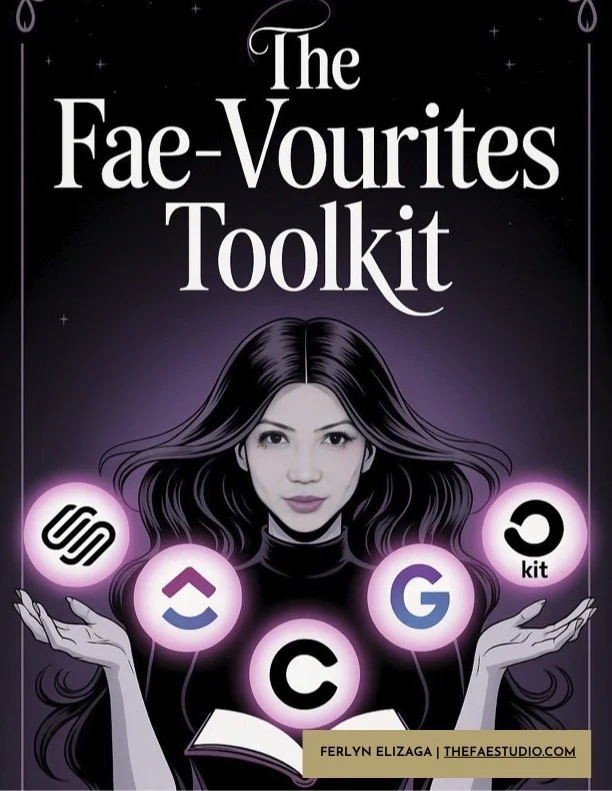
→ You can explore everything inside The FAE-vourites and there you have an option to grab a free version if you want the full list in one place.
Final thoughts
You don’t need more tools.
You need:
* a clear structure
* a system that works for you
* and the confidence to keep things simple
The right tools will support that.
Not define it.
▽▽▽
Access My Website Tech Stack
Like this? Pin it.
If you’re building your website, you might find these helpful too.